Everything IT looks after, in six stacks
Start with assets, then add documentation, network, software and the rest as you need them.
-
01
Assets
Every plan, Labels on TeamEvery laptop, desktop, phone and server: what it is, who has it, what covers it and when it is due to be replaced, with labels that scan.
Equipment, Device library, History, Labels and Lost and found Explore this stack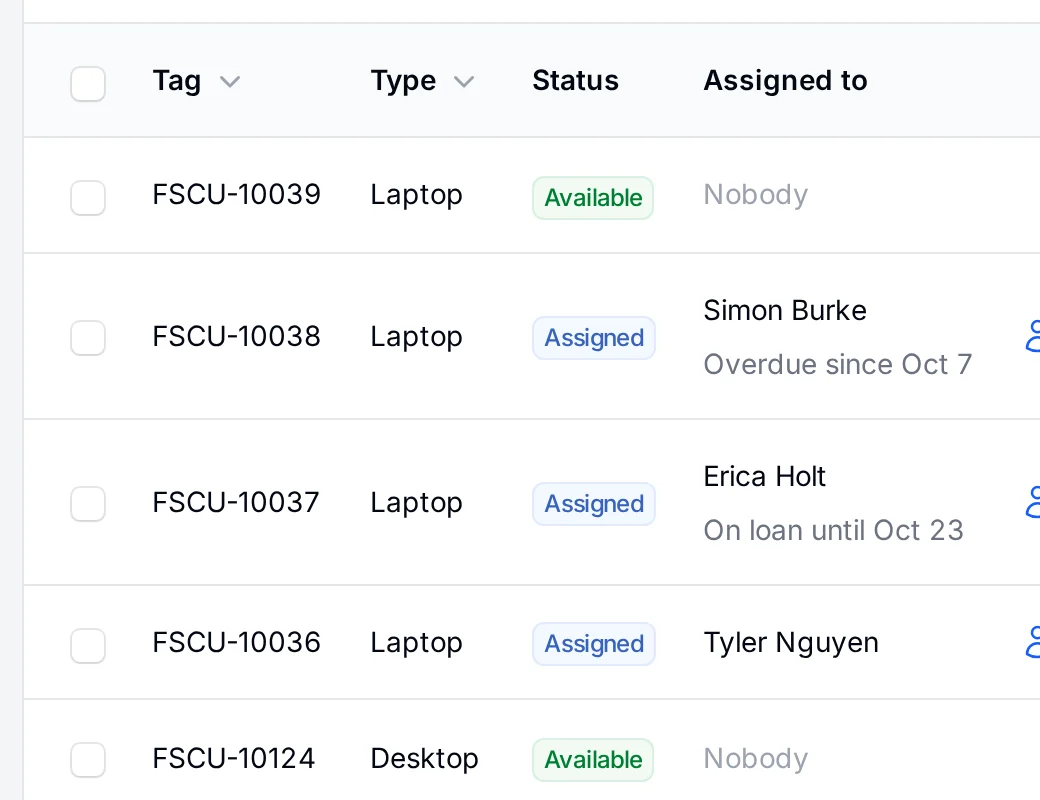
-
02
Documentation
Every plan, Files and snippets on TeamRunbooks, change records and the scripts that go with them, linked to the equipment they describe.
Documentation, Change management and Files and snippets Explore this stack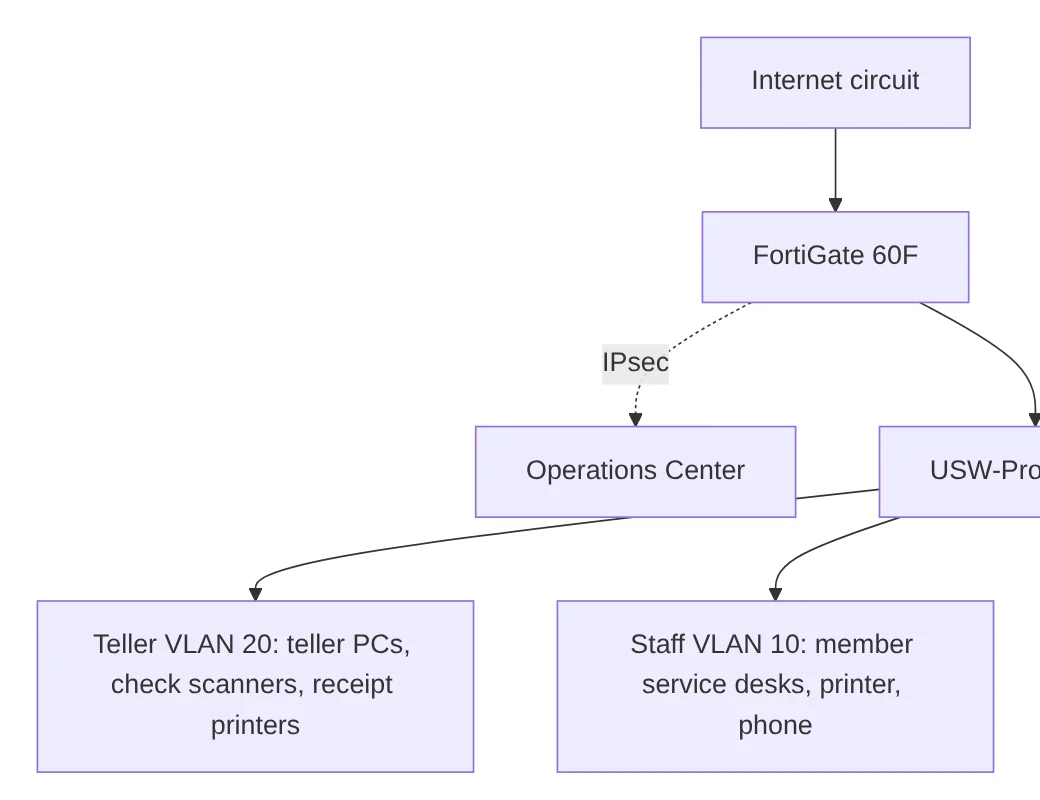
-
03
Network
Team and upRack elevations that draw themselves, every switch port and what it connects to, and the VLANs and addresses that tie it together.
Racks, Switch ports, Cables and IP addresses Explore this stack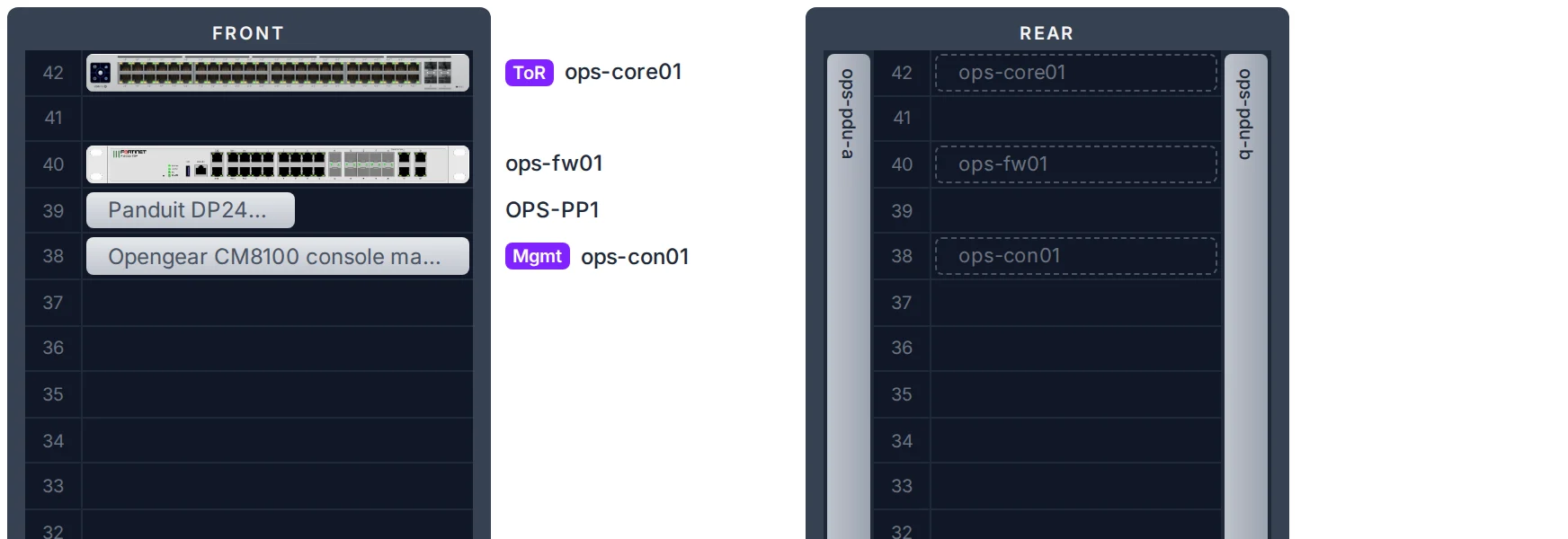
-
04
Software and renewals
Every plan, Domains and certificates on TeamLicense seats, domains, certificates and subscriptions, and one calendar of everything that renews or expires.
Software and licenses, Domains and certificates and Renewals Explore this stack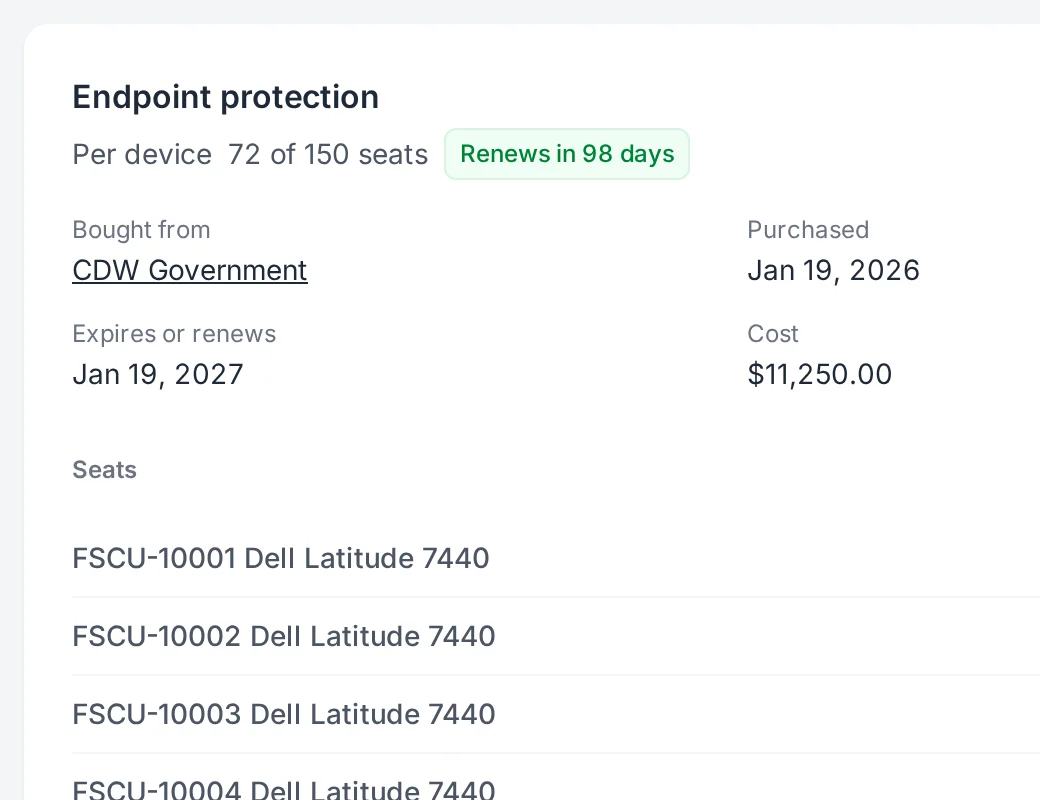
-
05
People and access
Onboarding and offboarding on every plan, the rest on PlusSet up new hires, get equipment back from departed users, and let Microsoft Entra ID decide who signs in and keep your employee list current.
Onboarding and offboarding, Your own address, Microsoft Entra ID and Provisioning and directory sync Explore this stack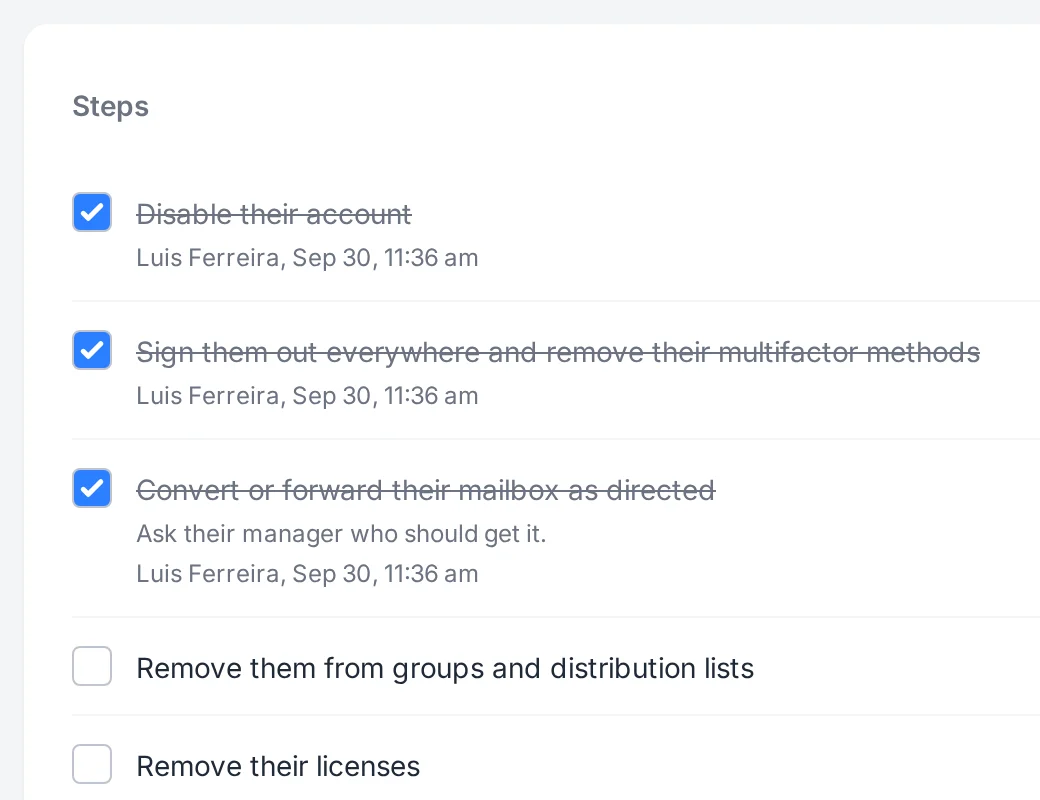
-
06
For MSPs
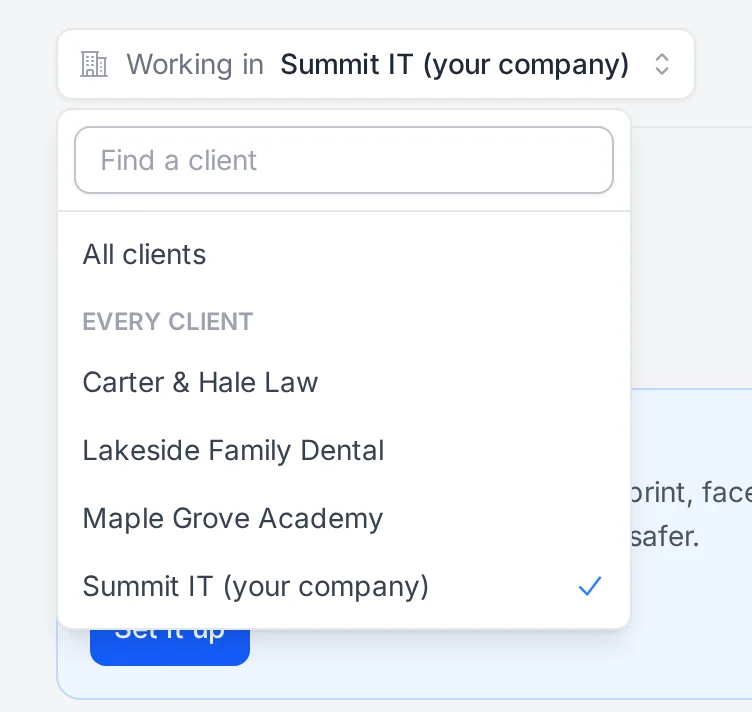
MSP planEvery client kept apart, with its own equipment, employees, documentation and network, one click away.
Explore this stack